Canvas Edit panel
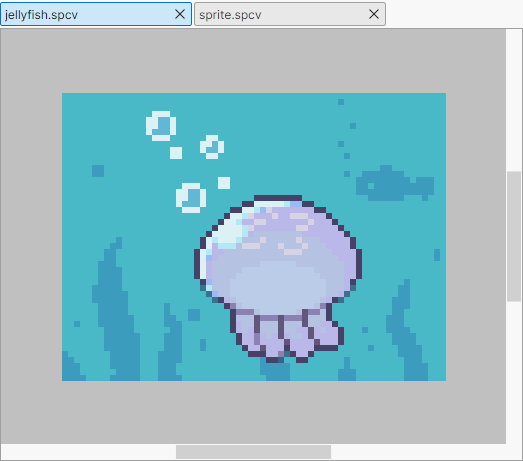
A panel for editing the picture on the canvas.
Basic controls
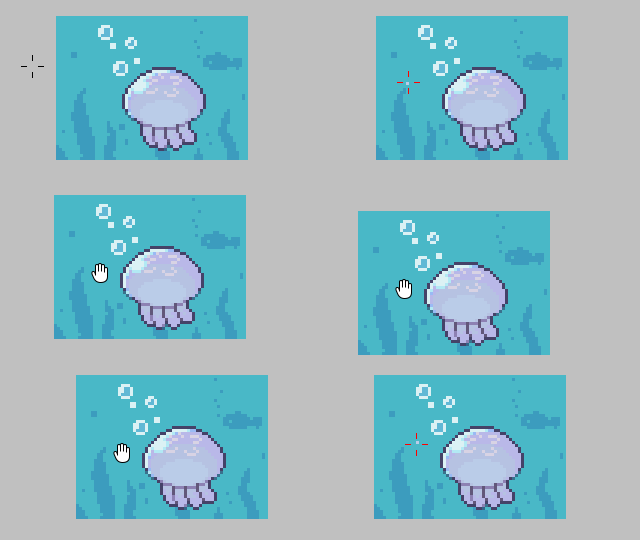
- Use the mouse wheel to zoom in / out.
- Press and hold the mouse wheel and move the cursor to scroll.
- Other controls depend on the tool.
Tabs

A list of the open canvases.
The canvas shown in blue is the one you are editing.
Click a tab to switch the canvas you are editing.
Context menu
- Open File Location: Opens the folder where the canvas file is saved.
- Close
Split view
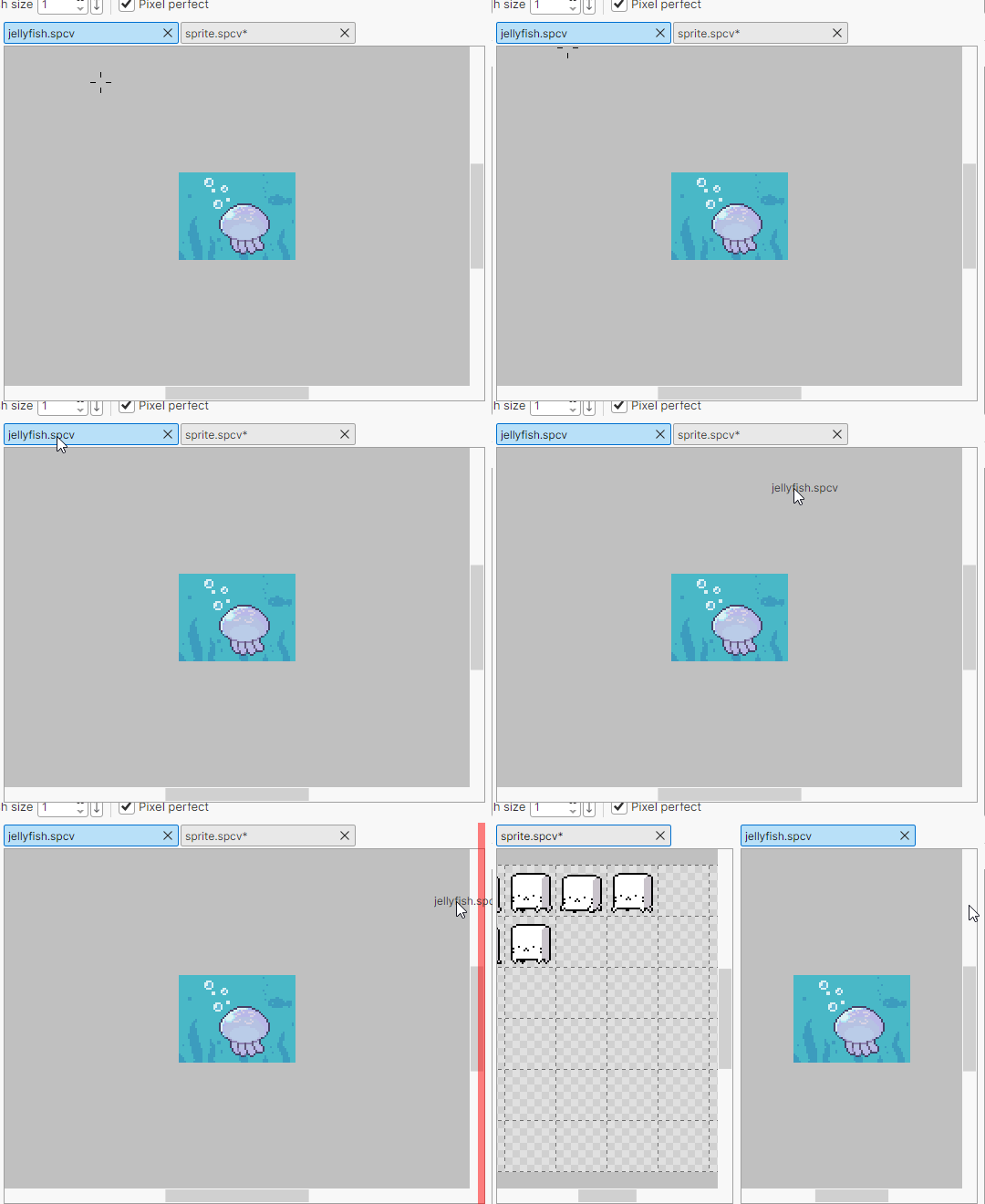
Drag and drop a canvas tab to split the view.