Layout Settings
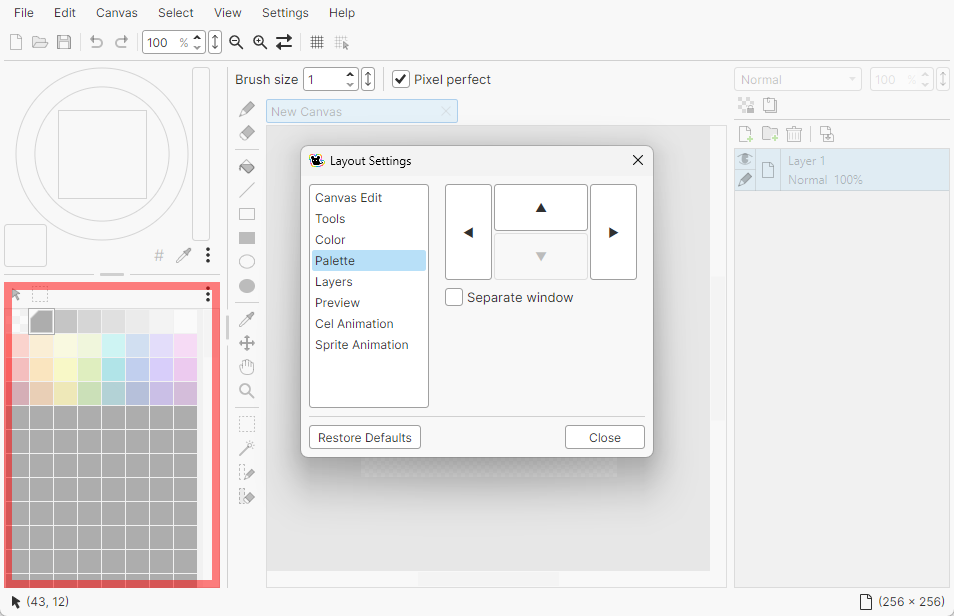
You can change how the panels are arranged from Settings > Layout Settings in the menu bar.
Moving panels
Choose a panel from the list on the left of the window, then move it with the arrow buttons.
Separate windows
Turn on Separate window to show a panel in its own window.
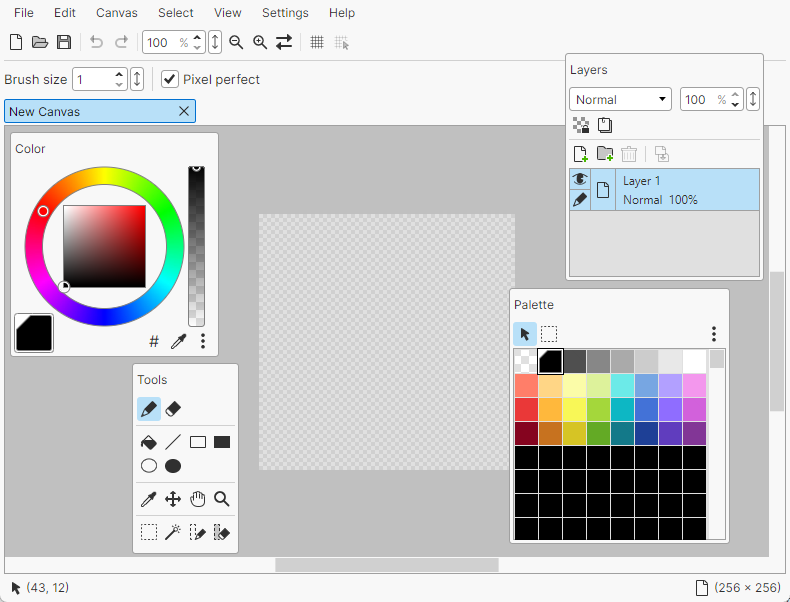
To return it to the main window, do one of the following.
- Clear Separate window in Layout Settings
- Right-click the title bar of the separate window and choose Return to Main Window