Sprite Animation panel
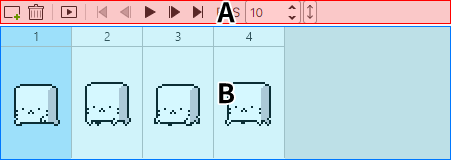
A panel for working with sprite animation.
For the sprite animation feature, see Using sprite animation.
Menu

| Item | Description |
|---|---|
 |
Add Sprite (details) |
 |
Delete |
 |
Show Sprite in Preview |
 |
Go to first sprite |
 |
Go to previous sprite |
 |
Play / Stop |
 |
Go to next sprite |
 |
Go to last sprite |
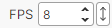 |
Animation playback speed (sprites shown per second) |
List
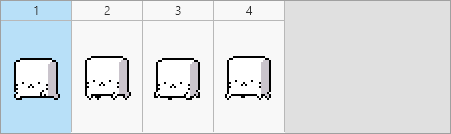
The list of sprites.
Deleting sprites does not erase the picture on the canvas.
Context menu
- Duplicate Sprites
- Cut
- Copy
- Paste
- Delete
Resizing
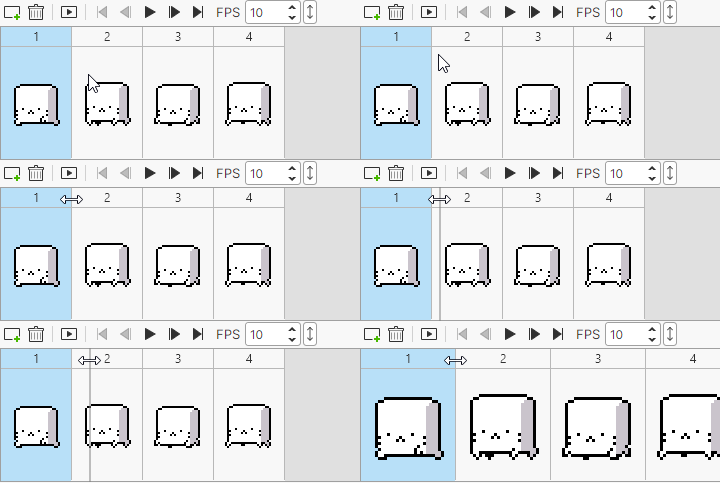
Drag the edge of the area showing the sprite number to change its size.