Drawing and filling
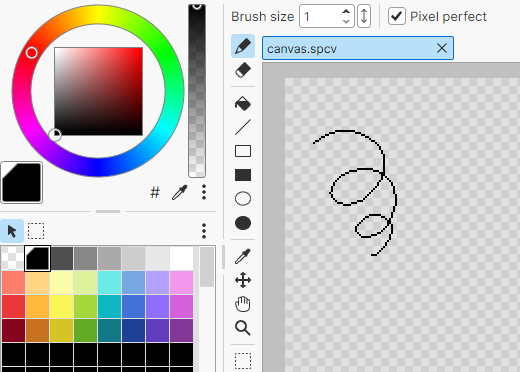
Drawing lines
- Choose the
 Pencil Tool in the Tools panel.
 - Choose the color you want to draw with in the Palette panel.
- Hold the left mouse button and move the cursor on the canvas.
Note
You can draw thicker lines by changing the Brush size value at the top of the screen.
Filling
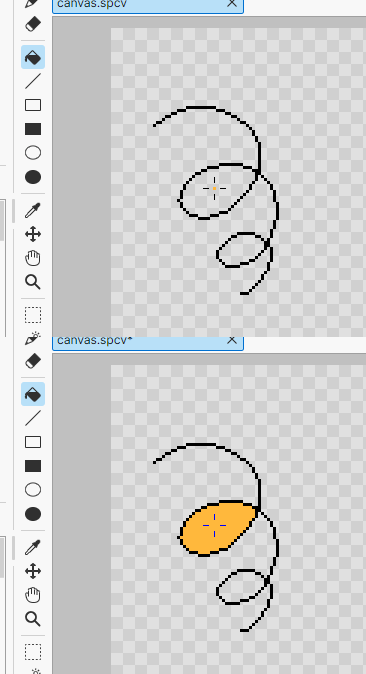
- Choose the
 Paint Bucket Tool in the Tools panel.
 - Choose the color you want to fill with in the Palette panel.
- Left-click the area you want to fill.
Drawing shapes
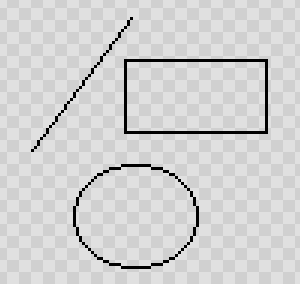
There are also tools for drawing shapes, such as  lines,
  rectangles, and
  ellipses.
For details, see Tools.