Installation
- Download SqPaint from the download page.
- Right-click the downloaded file (SqPaint_0.9.0.zip) and choose Extract All.
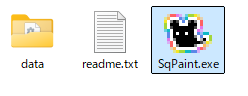
- Run SqPaint.exe in the extracted folder to start the app.
Note
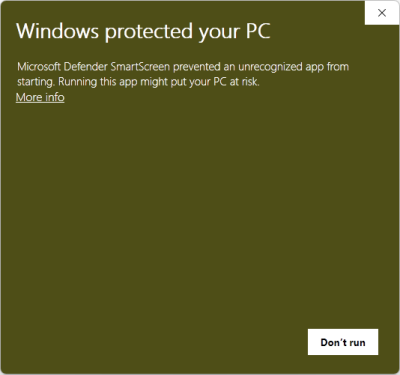
A warning will probably appear the first time you run it. Click More info → Run anyway.
(This warning appears for most apps made by individual developers.)
Uninstalling
- Just move the whole folder to the Recycle Bin!